Scan, Tap, Talk: Making Printed QR Codes Dial Your UK Support Line
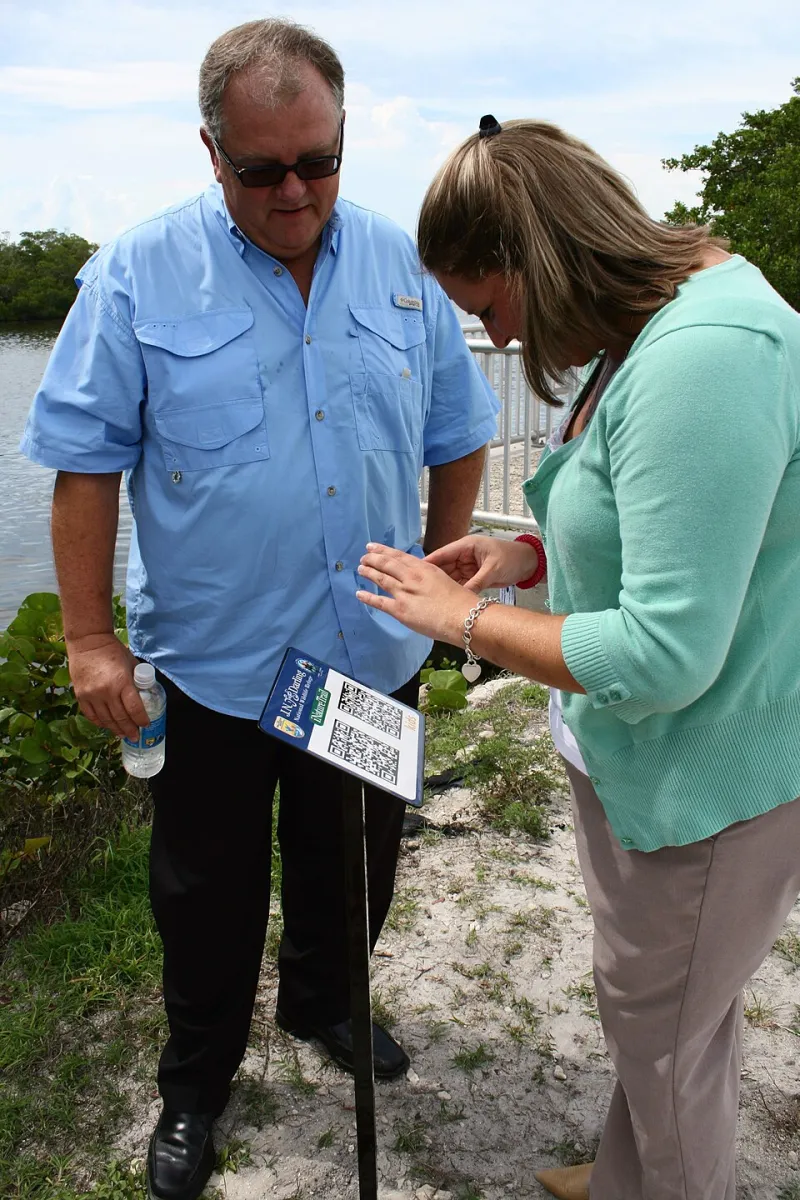
Photo: U.S. Fish and Wildlife Service Headquarters, Public domain, via Wikimedia Commons
QR codes have had a strange second life. They are on restaurant tables, bus stops, packaging, and just about every shop window in the country. Most of them lead to a website. That is fine if the website is the destination. But if your goal is a phone call, sending someone to a web page that then asks them to find your number is a needless detour. A calling QR code is simpler: scan, tap, talk.
This is a hands-on guide for UK teams putting codes on flyers, van livery, shop windows, reception desks, and anything else that gets looked at by a customer with a phone in their hand.
What a calling QR code actually is
A standard QR code can hold a web address, plain text, or a phone number. A calling QR code holds a tel: link. When someone scans it with their camera, the phone recognises the link and offers to open the dialler with your number already filled in. They still have to tap the call button, which is a good thing. It is not a silent auto-dial; it is a one-tap shortcut.
The important bit is that the code should contain the tel: link itself, not a shortening service that redirects to a web page. Every extra hop is another place for the caller to drop off.
The tel: link, without the faff
A basic UK example looks like this:
tel:03301234567
Use the number exactly as a UK customer would dial it, including the leading zero. If you want overseas visitors to be able to call, create a second code using the international format, with +44 and no leading zero:
tel:+443301234567
Avoid spaces and brackets in the link itself. Some phones cope with them; some do not. Keep it clean. And generate the QR code from a reputable tool that lets you see the encoded text before you download the image. If the generator hides the destination behind a redirect, walk away.
Test on the phones in your pocket
Do not trust the preview on your laptop. Test the printed code with at least one iPhone and one Android phone. Use the built-in camera app on each. Check that the dialler opens with the right number, and that the phone is not quietly opening a web page instead.
Then test it in the real world. Stick a proof copy on a window and scan it from arm's length. Try it in low light. Try it at an angle. If the code is going on a van, test it on glossy vinyl, because reflections can ruin a perfectly good scan. A code that works on a matte flyer may fail on a shiny shopfront.
Put it where people actually stand
Placement matters more than design. A code on a shop window should be at eye level, not down by the skirting board. On a flyer, put it next to the call to action, not buried in the footer. On a van, keep it on the side panels rather than the back doors, and never assume anyone is scanning while driving.
Always print the phone number in plain text next to the code. A QR code is a shortcut, not a replacement for a readable number. If the scan fails, the customer should still be able to dial.
Watch the pitfalls: accessibility, privacy, and the dreaded web page
Not everyone can scan a QR code. Some people have older phones, some have visual impairments, and some simply will not bother. The plain number is your accessibility fallback. If the code is on a website, give the image proper alt text, but remember that print has no alt text. The human-readable number is doing that job.
Privacy is another consideration. A direct tel: link does not track anything. That is good for trust, but it means you cannot count scans. If you use a redirect page to measure engagement, make sure it loads fast, works on mobile, and does not dump people into a cookie banner before they can call. A tracking redirect that adds three seconds and a consent pop-up is not a calling shortcut; it is a obstacle course.
Measuring scans without turning into a data creep
Direct calling codes are hard to measure because the phone never tells your website. There are a few practical options:
- Use a unique tracking number per placement. The van gets one number, the flyer gets another, the shop window gets a third. Compare call volumes by source.
- Use a lightweight redirect page. It records the scan, then immediately forwards to the
tel:link. Keep it instant and disclose what you are collecting. - Ask the caller. 'Just so I can log it properly, where did you see our number?' It is old-fashioned, but it works.
A simple spreadsheet is enough: placement, code, number, and calls in the first month. Do not overcomplicate it. The point is to learn which bits of print are earning their ink.
A five-minute print checklist
- The
tel:link contains the correct number, with no spaces. - The code has been tested on both iPhone and Android.
- The printed proof scans from arm's length.
- The plain phone number is printed alongside the code.
- The code has enough contrast and a clear quiet zone around it.
- There is no unnecessary redirect unless you are intentionally tracking.
- Each placement has its own code or number if you need to measure it.
- You have removed any old numbers or codes from the same space.
The bottom line
A QR code that rings is a tiny bridge between paper and phone. Keep the link direct, test it on real handsets, give people a plain number as backup, and measure only what you actually need to know. Done properly, it turns a shop window or a leaflet into a one-tap call button for your UK support line.